

No products in the cart.
Uncategorized
Virtual Participation – Imported Participants
Your event organizer has already added you to SpeedNetworking.com, so getting ready takes only a couple of minutes. This guide walks you through logging in, testing your camera and microphone, and moving through each timed meeting round, so you can spend your time making connections instead of figuring out the technology.
Before you start, have these ready
-
- Your login details from the invitation email sent by your organizer or SpeedNetworking.com
-
- A device with a camera and microphone and a stable internet connection
-
- 5 minutes before the start time to log in, find your event and review your meetings
Step 1: Log in to your account
Go to app.speednetworking.com and sign in with the email address and password from your invitation. You’ll land on your personal dashboard.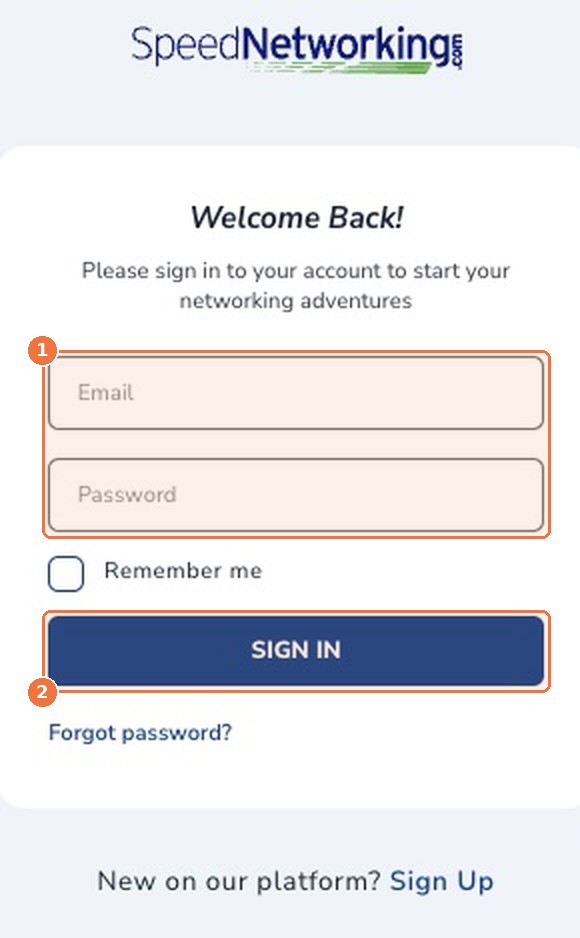
Step 2: Find your event
Your event appears under My Events on your dashboard, marked Upcoming. You can also click My Events in the top menu. Select the event to open its page.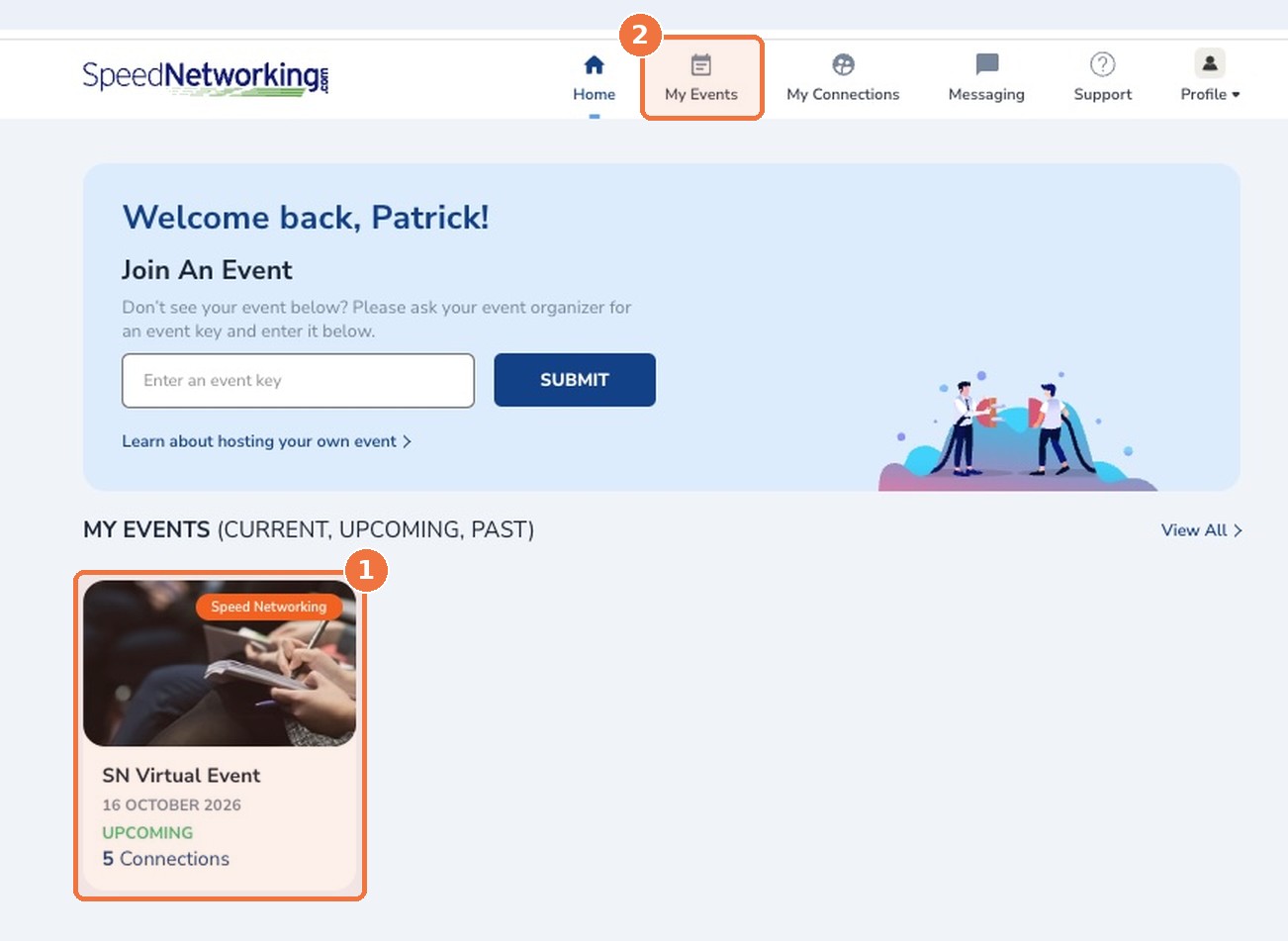
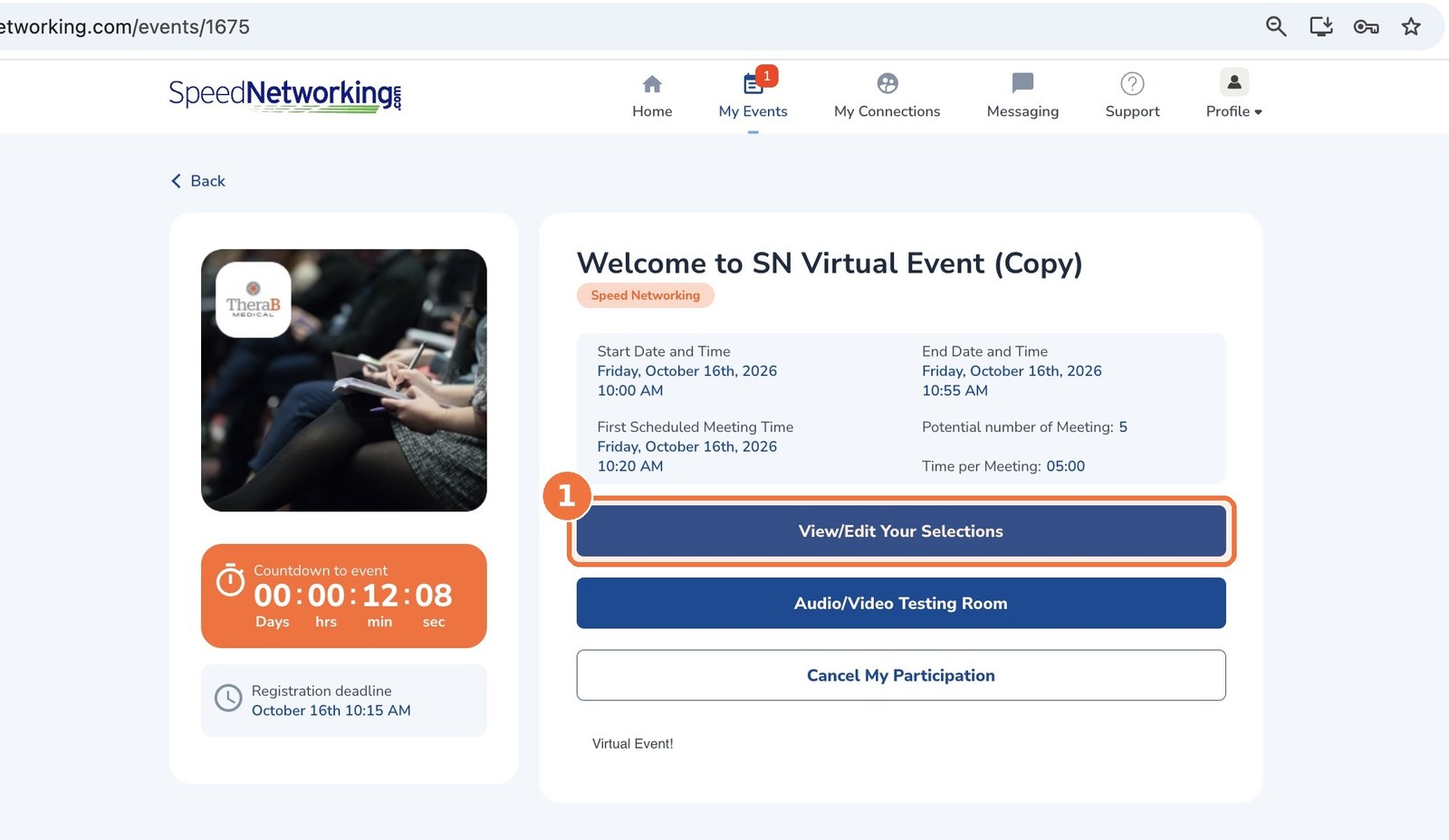
Step 3: Test your camera and microphone
Click Audio/Video Testing Room on your event page and allow your browser to use your camera and microphone. Doing this a day ahead is ideal. It’s the single best way to avoid losing time in your first meeting.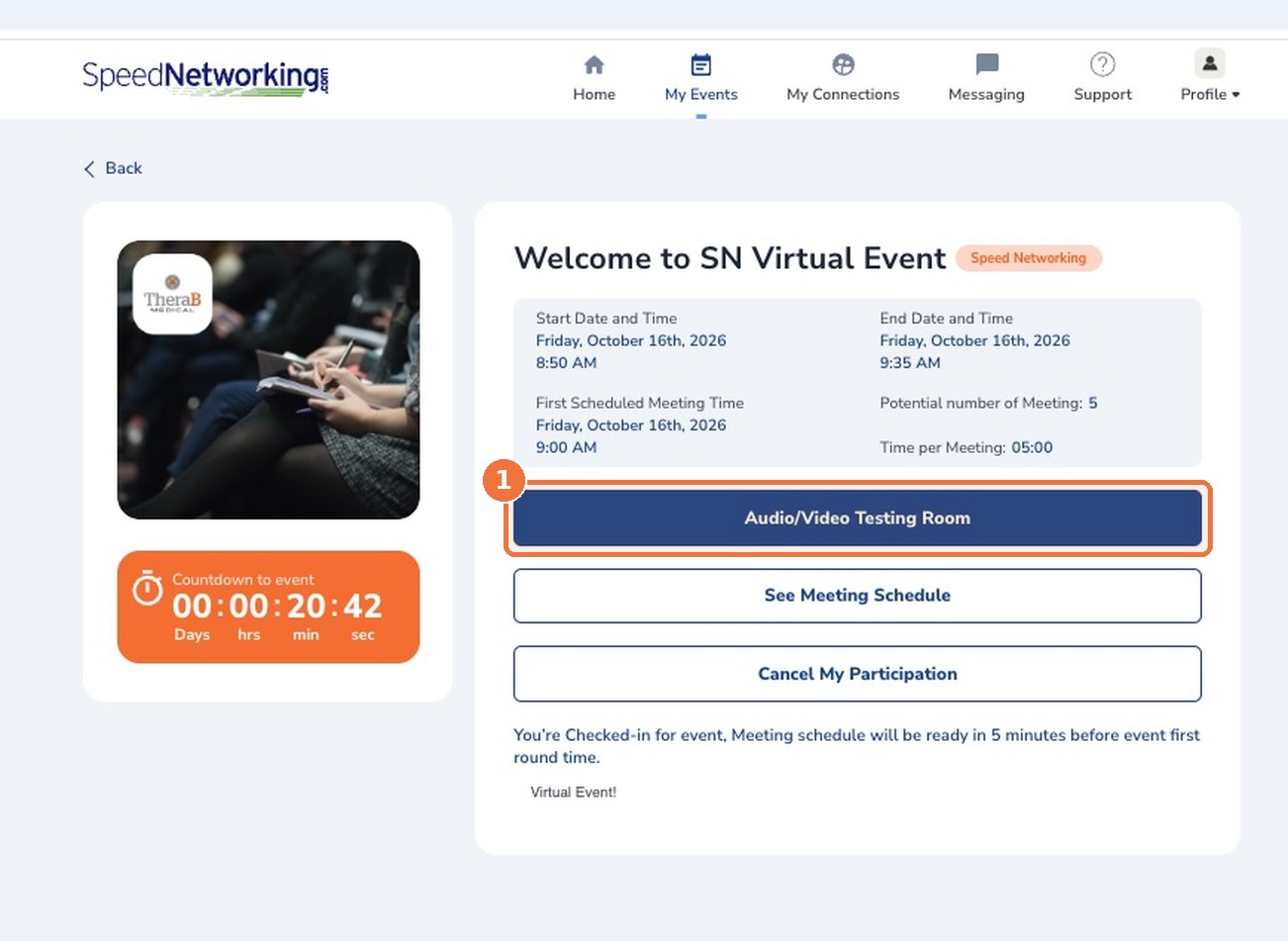
Step 4: Arrive early and open your meeting schedule
The whole event runs on a shared, timed sequence, so every participant moves through each round together. Log in at least 5 minutes before the start time, open your event and click See Meeting Schedule.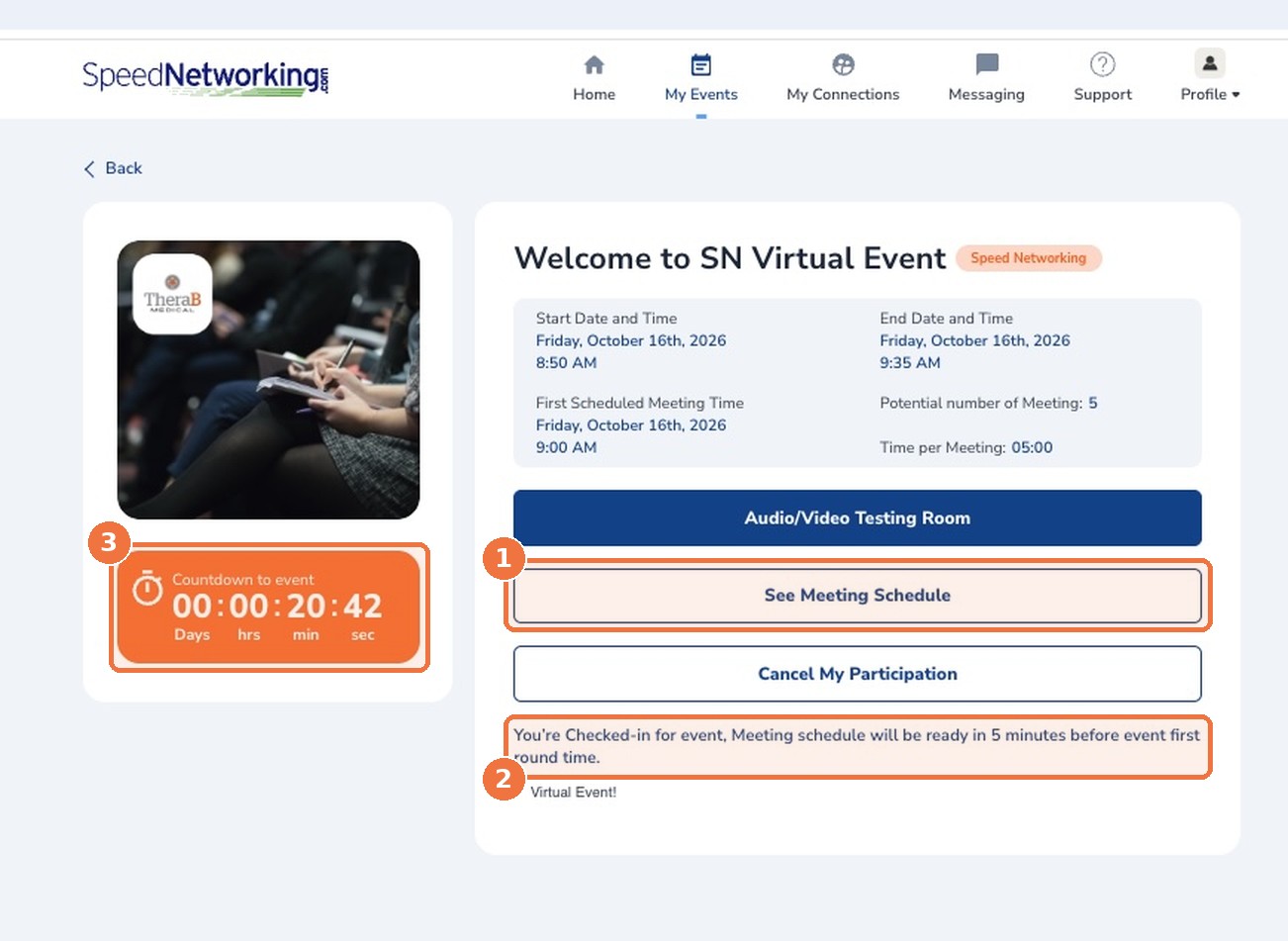
Step 5: Review your meetings and watch the timer
Your schedule lists each person you’ll meet, in round order, with their company, title, background and areas of expertise. The match score shows how closely your profile lines up with theirs, based on the criteria your organizer set. Use these few minutes to plan what you’d like to ask each person.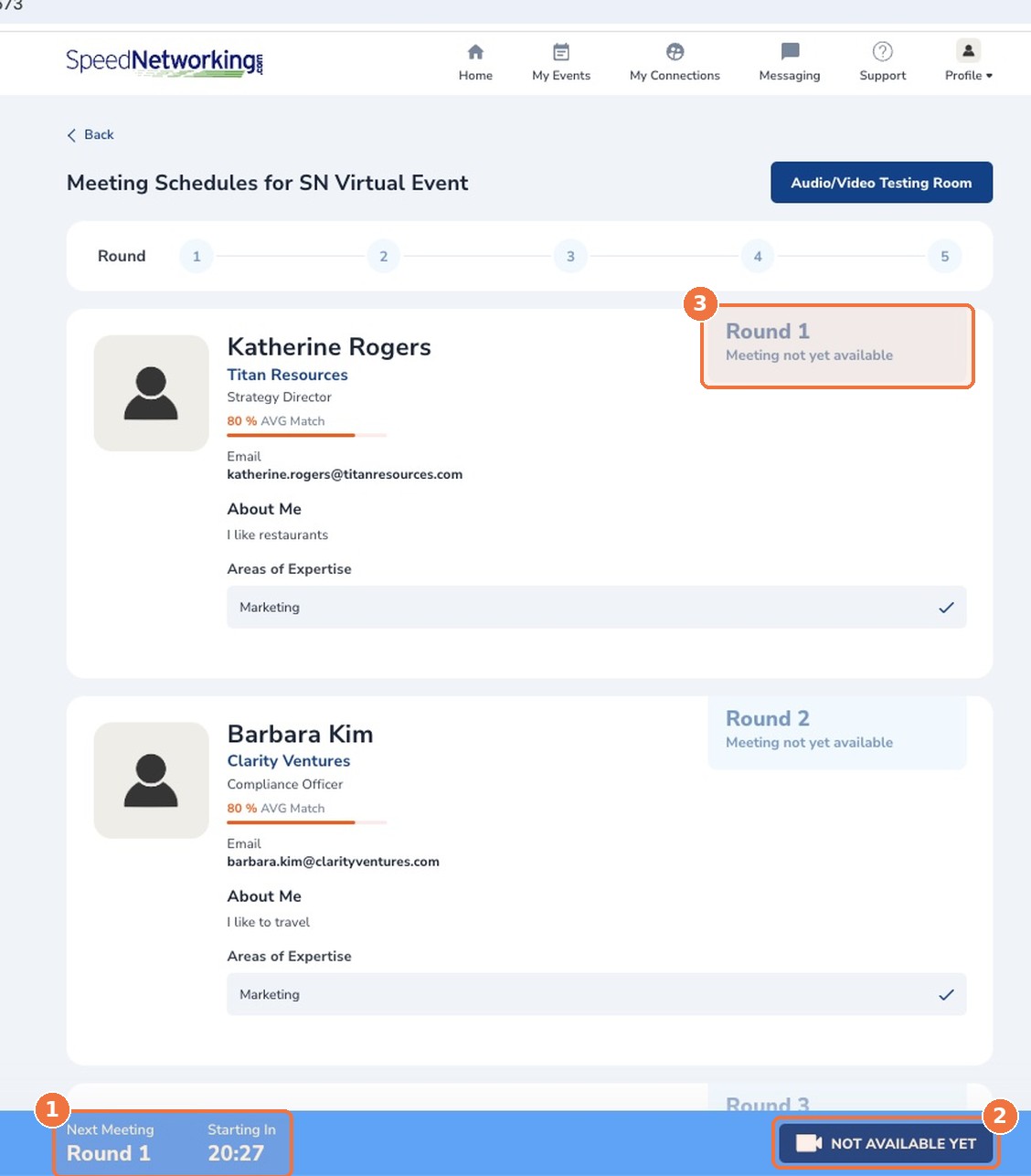
Step 6: Join your video meeting
When the timer reaches zero, the button changes from Not Available Yet to a blue Join Video Meeting button. Click it to meet your first partner.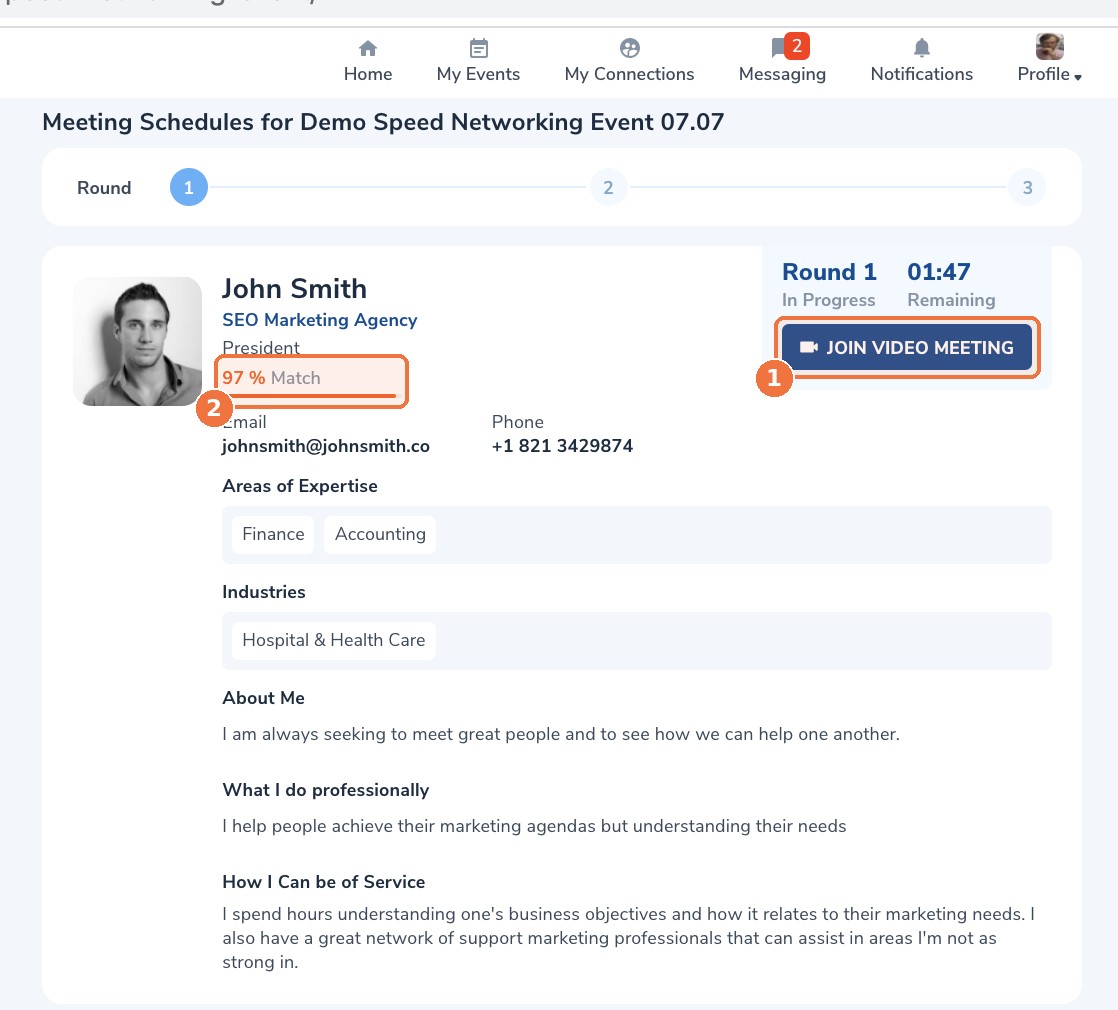

Step 7: Give quick feedback, then repeat
After each meeting, you’ll answer a very brief survey. Your partner never sees your responses. You’ll then return to your schedule, where the timer counts down to the next round (often about a minute). Click Join Video Meeting again when it turns blue, and continue until you’ve completed every round. After the event: Contact details for each partner stay on your schedule, and the people you met appear under My Connections, so following up is easy.Need help?
-
- Camera or microphone not working? Check that your browser has permission to use them, then retry the Audio/Video Testing Room.
-
- Button or schedule not updating? Refresh the page. Your place in the event is saved.